

Never Miss a Trend Again: Free Tools to Stay Updated
Discover free tools like Google Trends, Google Alerts, and MeaningCloud to track what’s trending online and stay updated — anytime, anywhere.
Just imagine you are drinking chiya in your favorite chiya place. Your friend asks, “Did you see the latest trend on TikYok? Let’s make a video on it.” You say that you are not interested, but in the back of your mind, you realize that you have missed another trend.
These days, trends pop up overnight and vanish before you even catch up. One moment it’s a viral meme, the next it’s a limited-time offer you didn’t even know existed.
Keeping up with trends is the same as boiling milk; you blink for a moment, and the next moment it’s already bubbling over before you realize.
But here’s the good news, just like how Google Maps helps you navigate traffic, there are free digital tools that help you navigate trends and events.
Whether you’re a student, entrepreneur, or just someone who hates being the last to know, these tools make sure you’re always updated, without spending a rupee.
Staying updated doesn’t mean spending hours online. It means using the right tools that do the heavy lifting for you.
1. Google Trends (trends.google.com)
What it does:
- Displays what people are searching for right now.
- Know everything that’s buzzing, be it “SEE results,” “Dashain offers,” or “Euro Cup.”
- Useful to designers, entrepreneurs, or just about anyone who wants to know what is trending.
How to use:
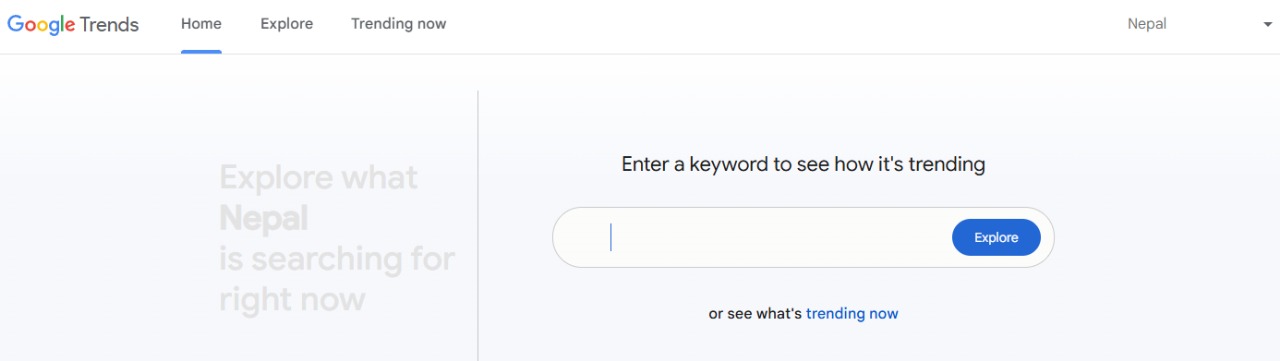
Step 1: Go to trend.google.com
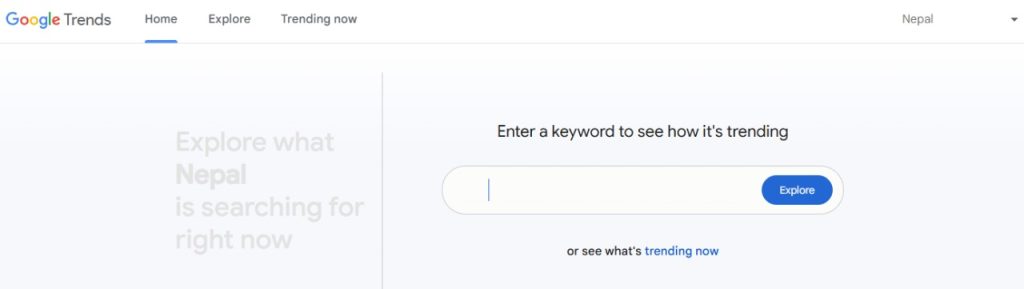
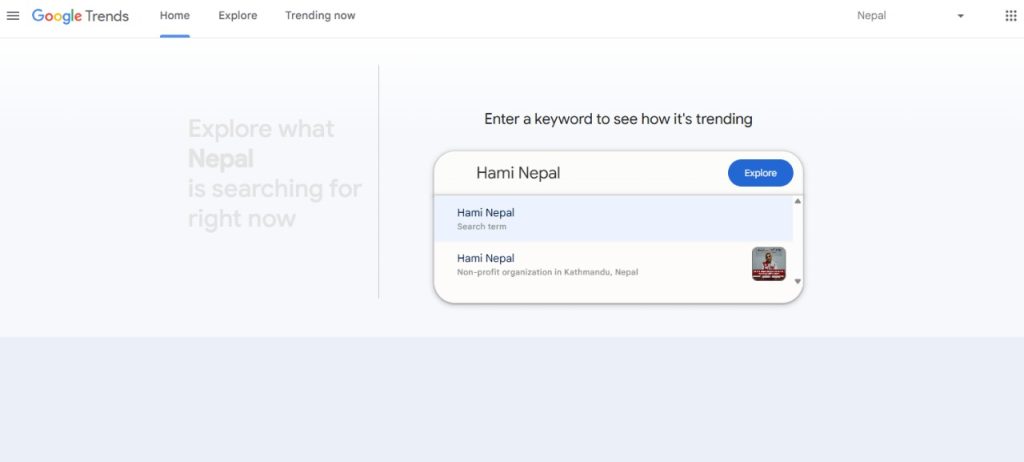
Step 2: Type in a keyword (Example: “Hami Nepal”)
Step 3: Explore the features
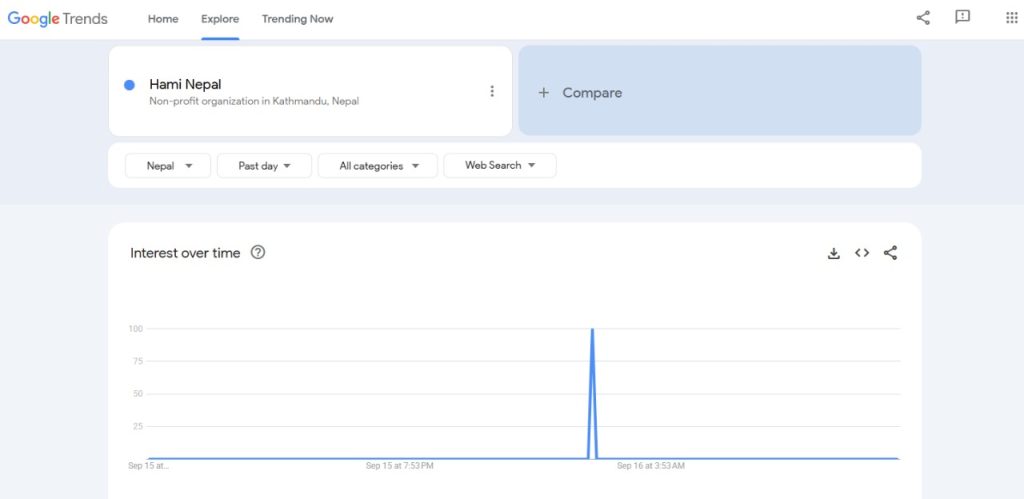
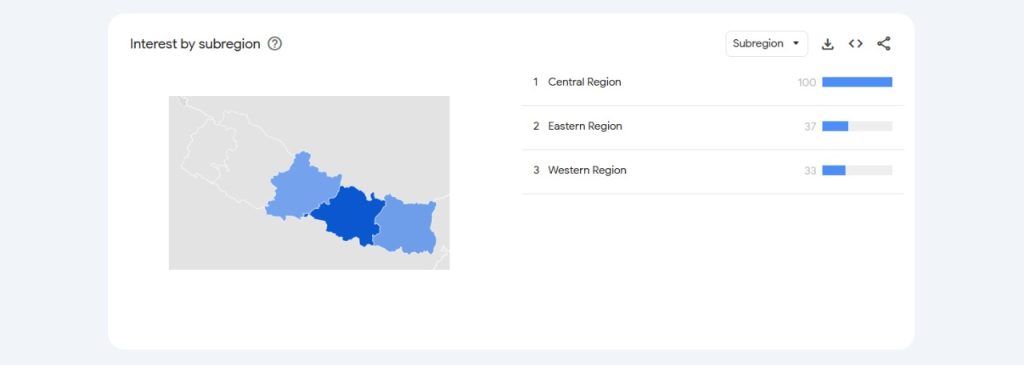
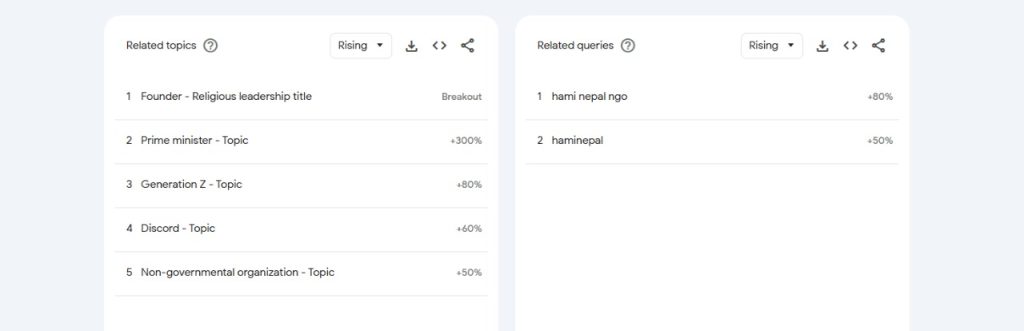
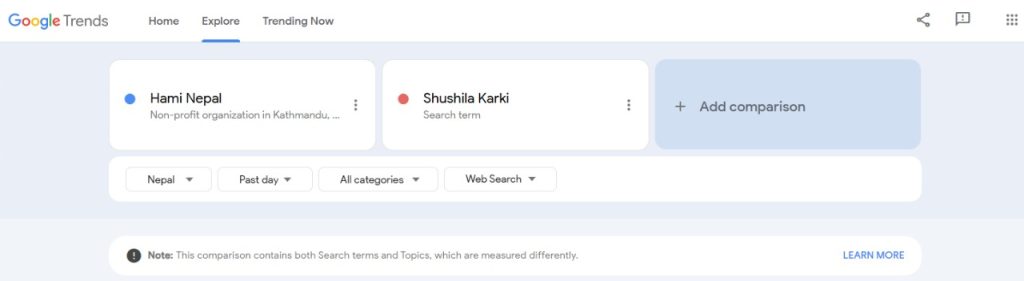
You can even compare it with other topics.
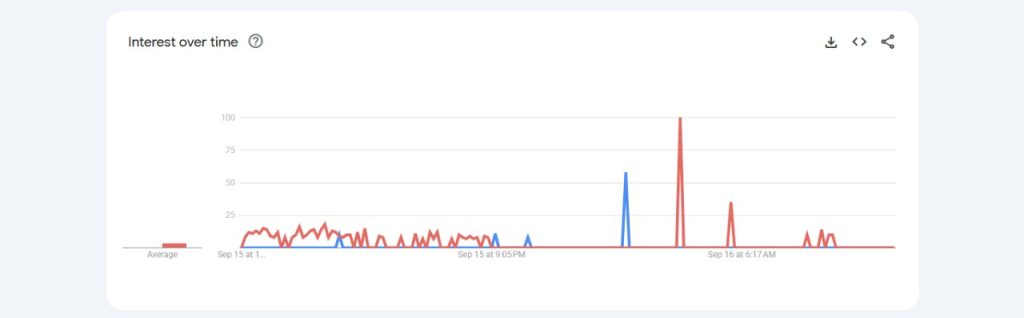
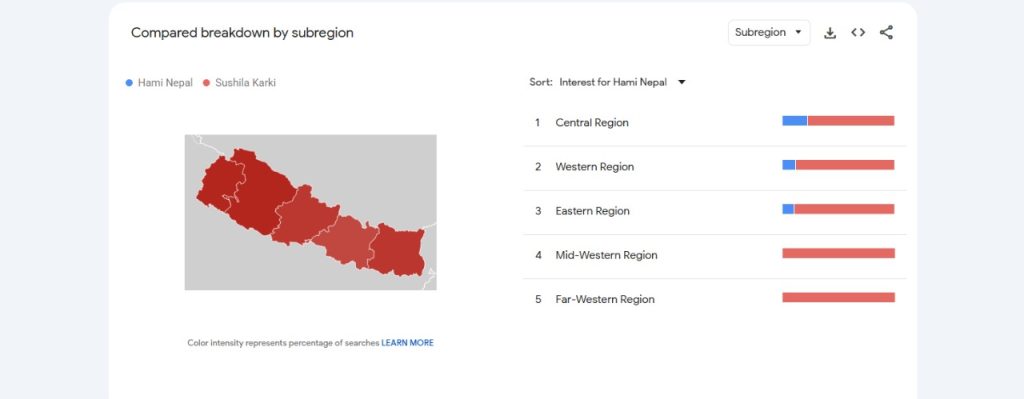
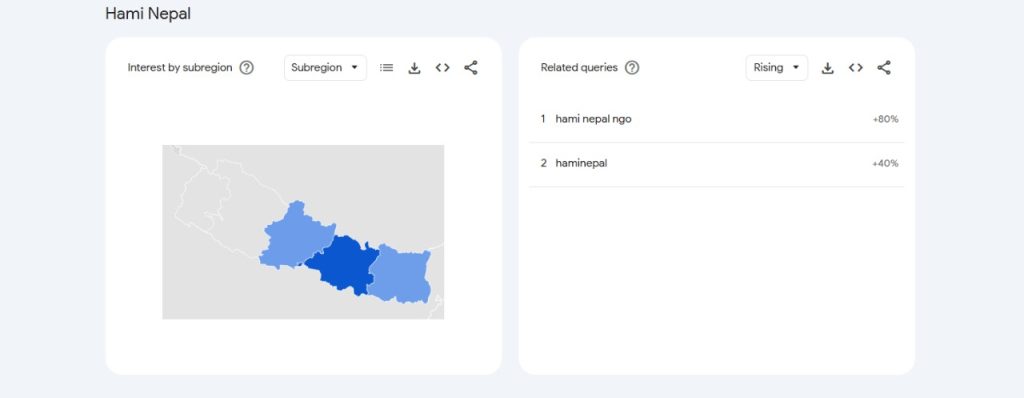
Simply said, Google Trends is your shortcut to spotting what’s gaining attention before everyone else does.
2. Google Alerts (alerts.google.com)
What it does:
- Let’s you set keywords and get email updates whenever new info comes out.
- Track your interests: scholarships, football, tech updates, or even “Nepal travel news.”
- You don’t have to keep Googling, it comes to you.
How to use:
Step 1: Visit alerts.google.com.

Step 2: Type a keyword you want to track (e.g., “Protest in Nepal”)
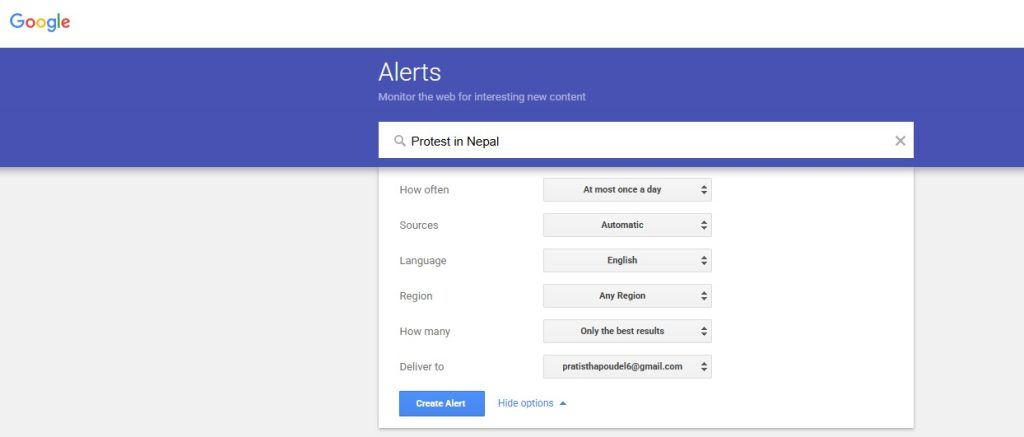
Step 3: Select how often you want alerts (immediately, daily, or weekly)
Enter your email and hit “Create Alert.”
3. Free Sentiment Analysis Tool : MeaningCloud
What it does:
- Analyzes text from social media, reviews, or comments to detect whether the sentiment is positive, negative, or neutral.
- Helps identify the overall mood or tone of online conversations quickly.
- Highlights trends in opinions or reactions, making it easier to track public perception over time.
How to use:
Step 1: Search for MeaningCloud in Google Workspace Marketplace
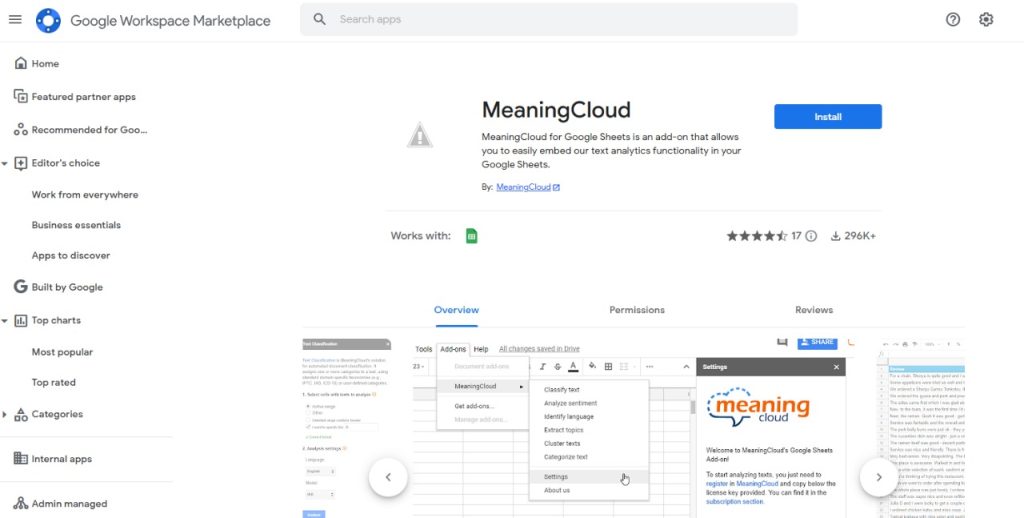
Step 2: Sign in to MeaningCloud using your Google account
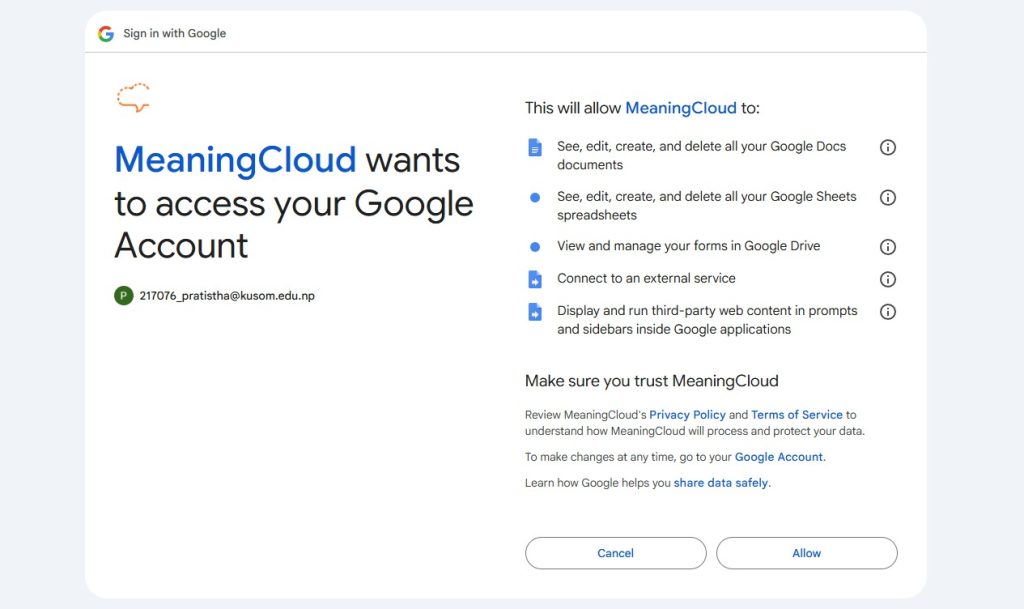
Step 3: Observe the pop-up and understand where MeaningCloud will be placed.
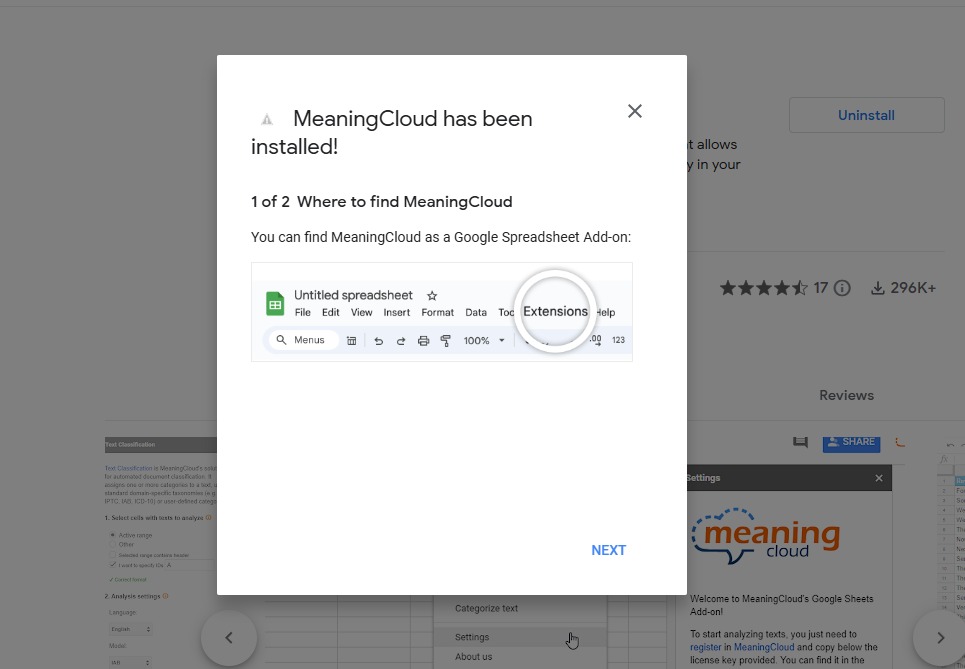
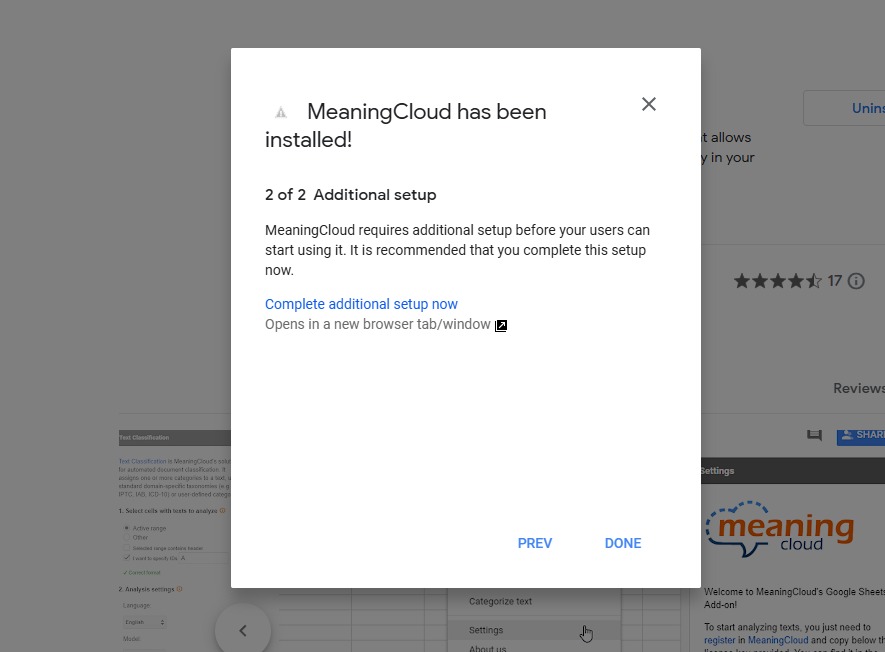
Step 4: Agree to the additional setup pop-up and click on done.
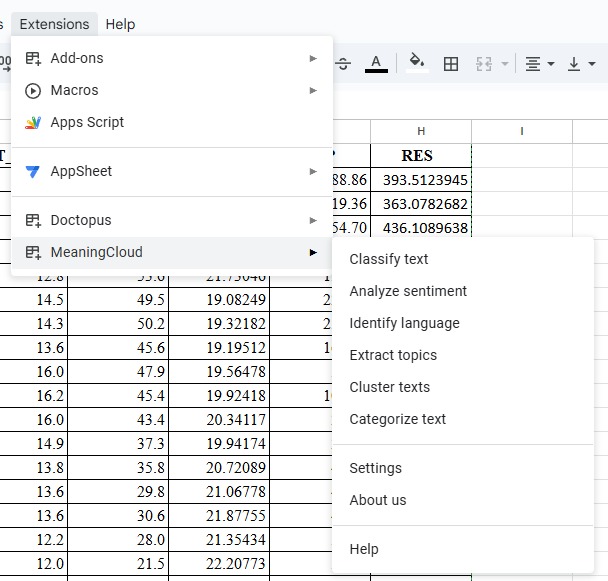
Step 5: Go to your Google Sheets
- Find the Extensions Tool
- Click on Meaning Cloud
- Explore the features, such as Analyze sentiment
- Conduct the Sentiment Analysis
MeaningCloud turns raw text into actionable insights, so you can understand not just what people are saying, but how they really feel.
Remember that café moment where your friend already knew the trend before you did? With these tools, that won’t happen again.
In a world where conversations change daily, these free tools help you stay informed, spot opportunities, and join the buzz at the right time.
So the next time someone asks, “Have you heard what’s trending?”, you can smile and say, “Of course. I knew before you did.”